
Pair your workstation
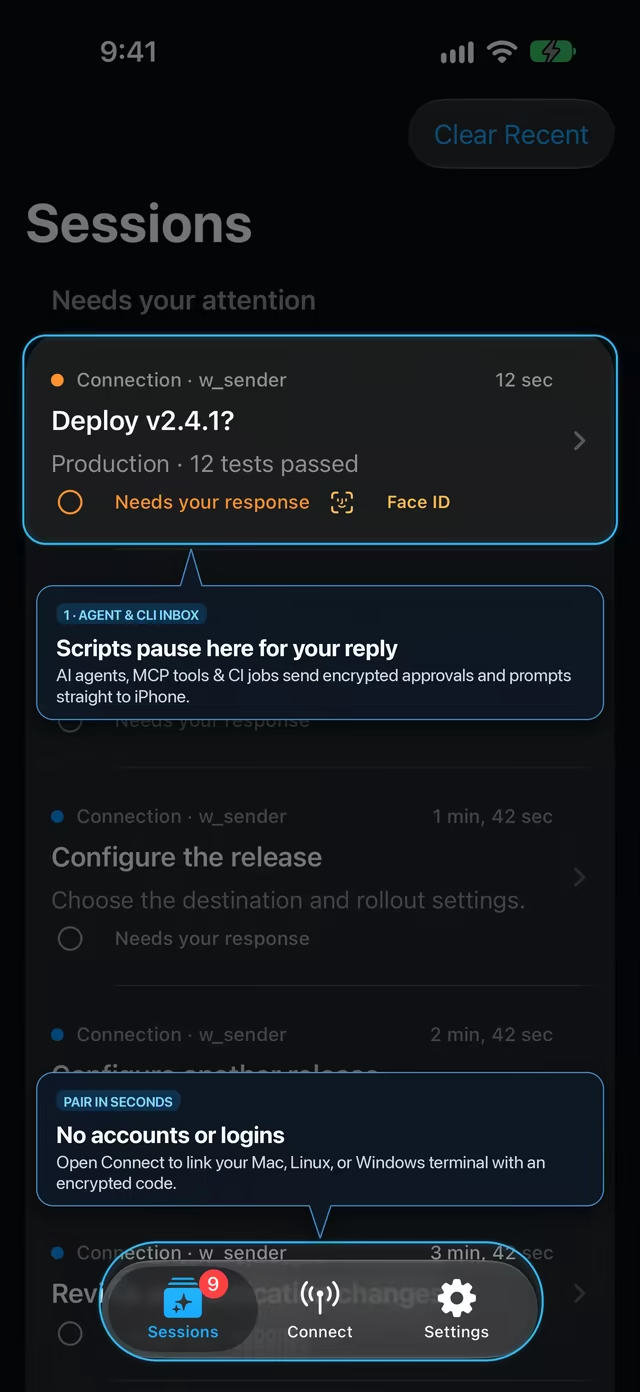
Open Connect → Add in NotiBuddy on iPhone and run nb pair --to personal on your machine. Keys stay strictly on your devices.
Google Antigravity · Local MCP
Connect NotiBuddy to Antigravity so long-running /goal tasks, agent swarms, and verification loops send encrypted progress and decision prompts straight to your iPhone.
Recommended · 30 seconds
Antigravity will read the detailed runbook at /antigravity.md, pair your iPhone once, and update your local MCP config automatically.
Set up NotiBuddy for me using https://notibuddy.app/antigravity.md (notibuddy@^0.4.0). Check `nb status` first; if unpaired, have me run `pbpaste | npx -y notibuddy@^0.4.0 pair --to personal` in my own Terminal (never ask me to paste `nbpair1.` into chat), configure ~/.gemini/config/mcp_config.json with `--client antigravity`, and verify both directions with a test notification.Your agent will read the full step-by-step runbook at notibuddy.app/antigravity.md (plain Markdown, English).
Merge this local stdio server entry into mcpServers (starts cleanly before pairing; if you have multiple destinations, bind with nb bind --client antigravity --to personal):
{
  "mcpServers": {
    "notibuddy": {
      "command": "npx",
      "args": ["-y", "notibuddy@^0.4.0", "mcp", "--client", "antigravity"]
    }
  }
}Open Connect → Add in NotiBuddy on iPhone and run nb pair --to personal on your machine. Keys stay strictly on your devices.
Add the mcpServers snippet above to ~/.gemini/config/mcp_config.json (or use the installed notibuddy-mcp binary from Homebrew) and reload MCP servers.
Ask Antigravity to send a test notibuddy_notify prompt with options: ["OK"] and confirm your signed reply arrives back in the conversation.
Send KPI strips, status alerts, checklists, forms, and Face ID buttons via notibuddy_notify screen—pick from 8 built-in layouts or let the server validate and cache a custom layout while content stays E2EE.
Answer architecture questions or choose between options from your iPhone instead of leaving an autonomous run stalled at your desk.
Send a screenshot or log from iOS Share Sheet to your paired workstation and let Antigravity collect it via notibuddy_files.
Pair one iPhone with multiple local agents, editors, CI runners, and shell scripts—each with its own revocable sender key.